
Qualtrics Help Information
Qualtrics users seeking support (e.g., live chat, phone call, or email) need to log into the Qualtrics Support Portal following the steps below.
1. Log into Qualtrics using the BGSU single sign on link: http://bgsu.qualtrics.com/
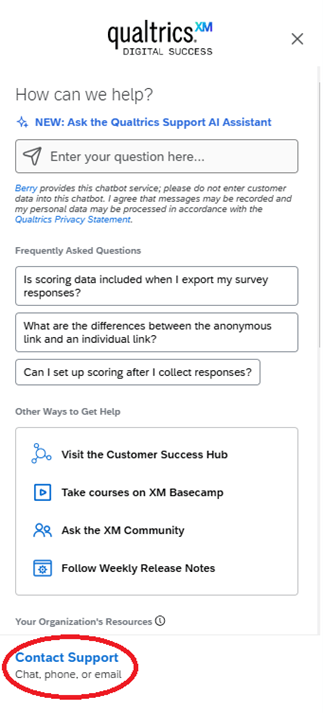
2. Within Qualtrics, click on the question mark icon:

3. Click on “Contact Support”
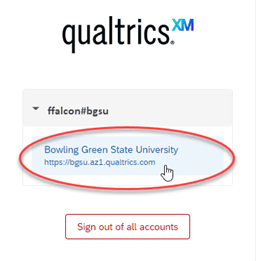
4. Click on Bowling Green State University
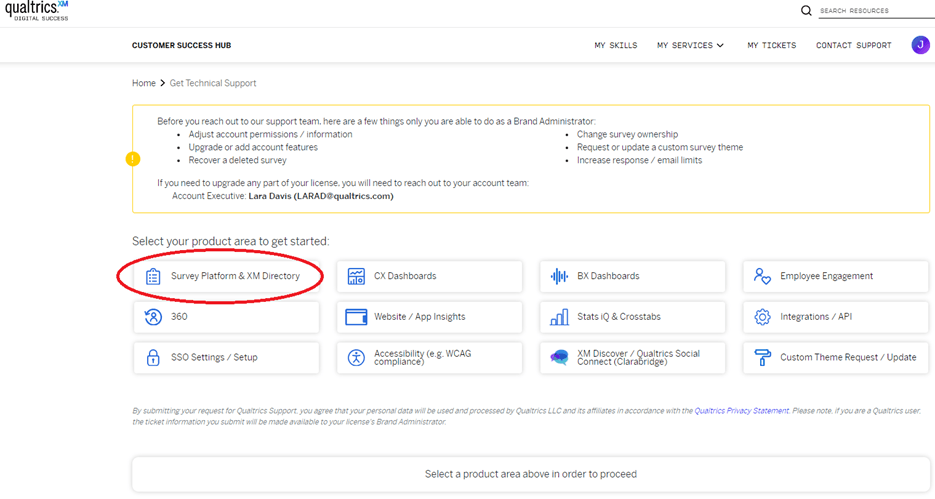
5. Select “Survey Platform & XM Directory”.
6. Once you select “Survey Platform & XM Directory”, the Qualtrics Support AI Assistant will appear. Type your question and the AI assistant will provide information, screenshots, and links.
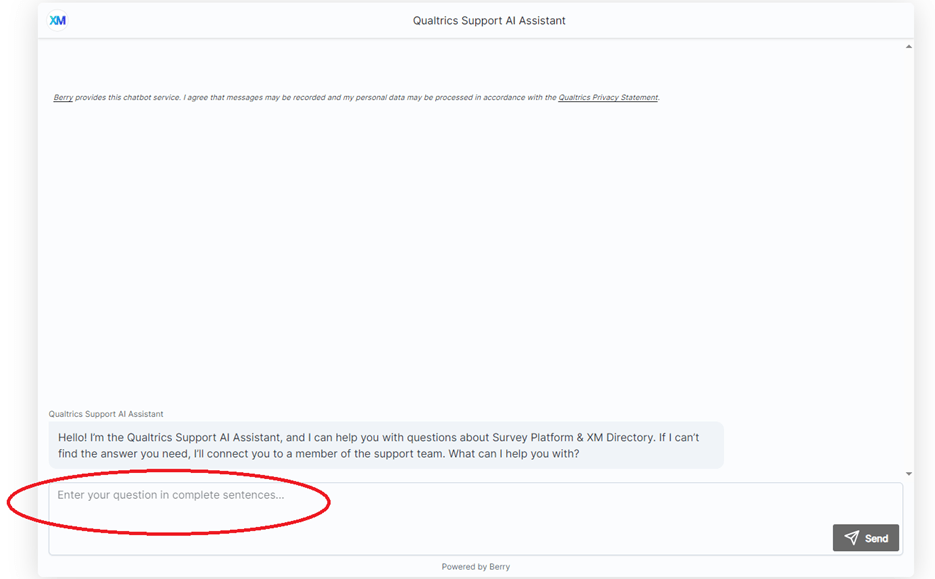
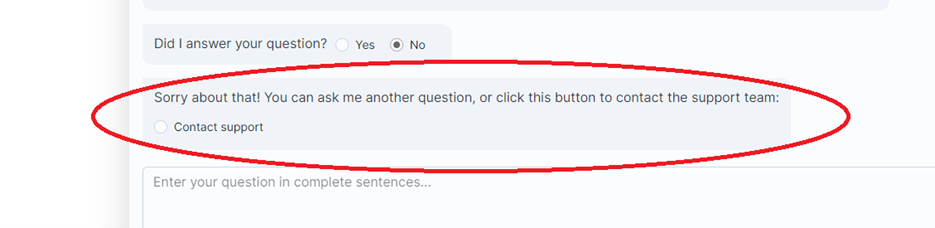
7. If the Qualtrics Support AI Assistant cannot answer your question, select “No” when they ask, “Did I answer your question?” You will then be provided with a button for you to select to contact the Qualtrics Support Team.
Updated: 04/07/2026 04:46PM