
Featured


Helpful IT information
-

Configure New Devices for MFA
If you've received a new mobile device recently don’t forget to configure it for Multifactor Authentication (MFA)! To add your new device, follow our KB instructions.
View Instructions -

Classroom Support
For assistance using the technology in your assigned classroom, or to review classroom descriptions and software, visit our Classrooms webpage.
View the Classrooms Webpage -
What's Included With My University Laptop?
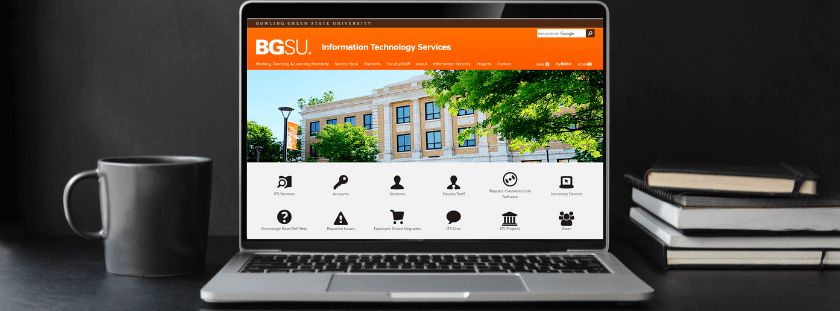
We have compiled a Knowledge Base article detailing the accessories and peripherals included with BGSU laptop installations/requests.
View KB Article
-

Ensure Your Remote Work Environment is Safe!
The BGSU Information Security Office has put together tips and recommendations to help ensure that your remote work environment is secure.
Check Out Our Tips -

Voicemail to Email Service
The voicemail to email feature sends voicemail messages to your BGSU email account as a .wav file attachment so you can listen to your messages directly from your email inbox.
Learn More
Configure New Devices for MFA
If you've received a new mobile device recently don’t forget to configure it for Multifactor Authentication (MFA)! To add your new device, follow our KB instructions.
View Instructions
Classroom Support
For assistance using the technology in your assigned classroom, or to review classroom descriptions and software, visit our Classrooms webpage.
View the Classrooms Webpage
What's Included With My University Laptop?
We have compiled a Knowledge Base article detailing the accessories and peripherals included with BGSU laptop installations/requests.
Ensure Your Remote Work Environment is Safe!
The BGSU Information Security Office has put together tips and recommendations to help ensure that your remote work environment is secure.
Check Out Our Tips
Voicemail to Email Service
The voicemail to email feature sends voicemail messages to your BGSU email account as a .wav file attachment so you can listen to your messages directly from your email inbox.
Updated: 09/28/2026 06:48PM